Pay Police Clearance Via Landbank | Detailed Guide

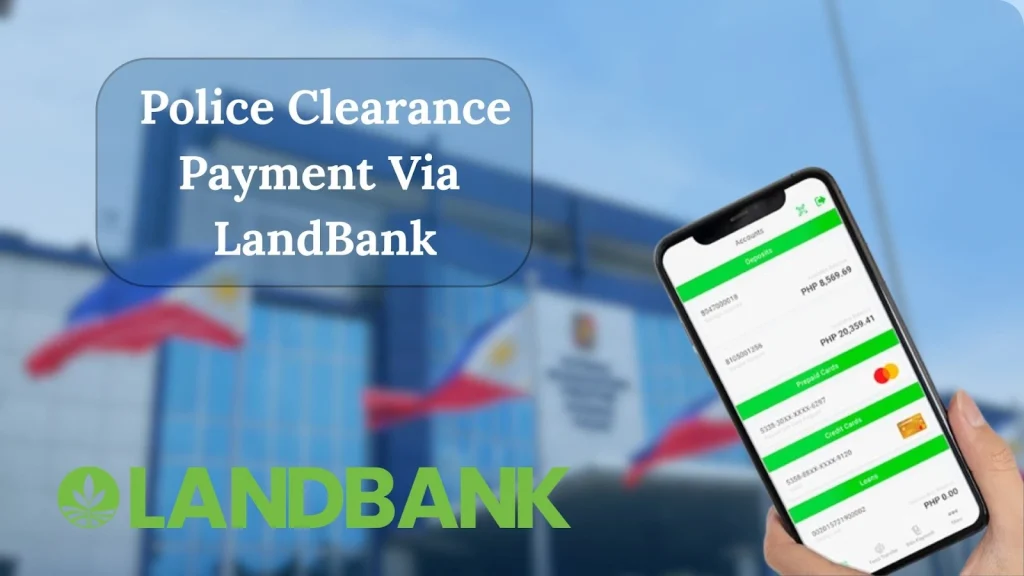
LandBank is a trusted and widely used payment option for Police Clearance fees. To pay for your Police Clearance via LandBank, first schedule your appointment, then proceed to the payment section. Choose LandBank from the available options, and a reference number will be generated automatically. You are redirected to the LandBank ePayment portal. Inside that, you can pay using LandBank iAccess, GCash, or other wallets, and BancNet. Now you can use the reference number to complete the payment.
How to Pay for a Police Clearance via LandBank?
Follow the step-by-step guide to pay through LandBank:
Schedule Appointment
First of all, visit the police clearance portal and schedule your appointment. Click here to check all the details about how to schedule a police clearance appointment online.
Generate Reference Number
- Once the appointment is scheduled, move to the payment options.
- Select the “Land Bank of the Philippines” option, and then press “Save Appointment.” This will generate your unique reference number, which is required for payment.
Complete Payment
- Click “Pay to LandBank” to get redirected to the official LBP ePayment Portal, where all payments are processed securely.
- Choose your preferred method, such as LandBank iAccess (online banking), GCash/other wallets, or BancNet (other banks). Enter the required details and confirm your payment. Click here to check the details on the Police clearance payment via GCash.
Save Receipt
Once payment is successful, take a screenshot or download the confirmation receipt. This serves as proof of payment.
Appointment Day
On your scheduled date, visit the selected police station. Bring your reference number, payment confirmation, and valid ID for verification and biometrics. You have to make an extra payment, in case of a police clearance Hit status.
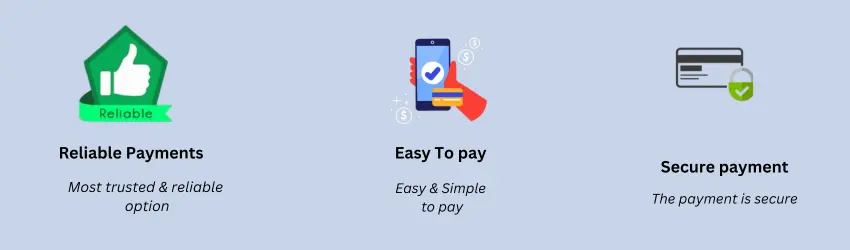
Benefits of Payment through LandBank
LandBank is an officially accepted payment option for police clearance. Therefore, it offers several benefits to the users.
Troubleshooting the Common Payment Issues
Sometimes, some common issues occur during payment that cause payment failure. Below are the working solutions to overcome these issues:
Payment failed
If you don’t use the correct reference number generated during your appointment booking, payment will fail or won’t be linked to your police clearance.
- To overcome this issue, always double-check and save it before making any payment.
- Make sure that your network connection is stable during the process.
Pending Payment
Sometimes the payment may show as “pending” in the PNP system even after you paid. This usually happens due to delays in the LandBank ePayment portal or network issues.
- Wait at least 2 to 4 hours, then refresh the PNP portal to check if the status has updated.
- If it still shows ‘pending’ after 24 hours, contact LandBank support.
- If you want to pay in cash, pay police clearance at 7-11.
Technical Issues on the Portal
Users often face errors, slow loading, or portal crashes while trying to pay. This issue occurs due to heavy traffic on the ePayment site, browser issues, or expired session time.
- Use a stable internet connection
- Refresh the page, or try a different browser.
- Wait during the peak working hours and try again.
FAQs
Conclusion
Police clearance via LandBank is safe, fast, and convenient. First, schedule your appointment on the PNP website and generate a reference number. Then, complete your payment through the LandBank ePayment portal. You should choose LandBank for Safe and trusted payment, multiple options, and instant confirmation. Most importantly, there is no need to visit the bank physically.